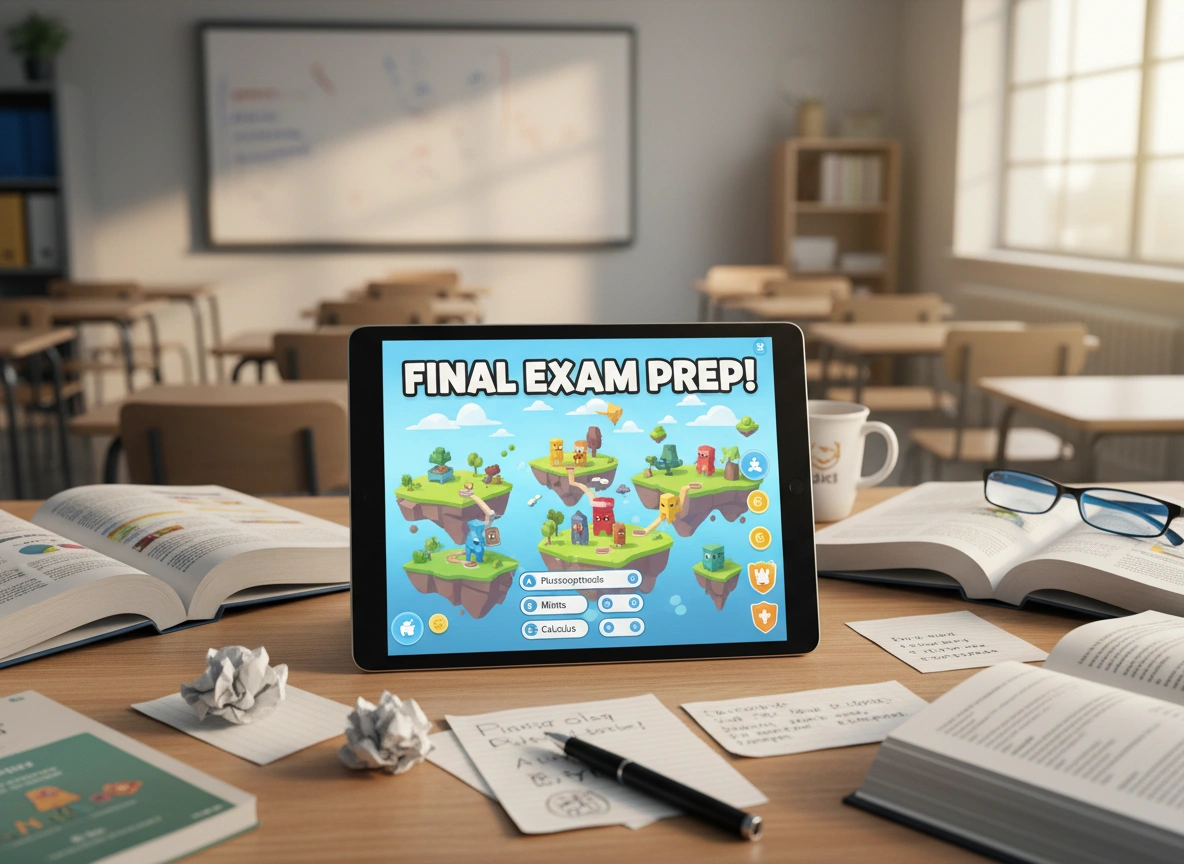
Exam season often brings a mix of stress and disengagement to the classroom. Traditional review sessions can feel repetitive, and students may struggle to stay focused. What if you could transform exam preparation from a passive review into an active, competitive, and genuinely fun experience? This is where Gimkit comes in, offering a powerful platform to gamify learning and supercharge your students’ readiness for tests.
This guide will walk you through everything you need to know about using Gimkit to prepare students for exams. We will explore its core features, offer practical strategies for creating effective review games, and show you how to leverage its data to support every learner. By the end, you will have a clear roadmap for integrating this dynamic tool into your teaching practice.
What is Gimkit?
Gimkit is a game show-style learning platform designed for the classroom. Created by a high school student, it was built with a deep understanding of what captivates young learners. At its core, Gimkit allows teachers to create quizzes, which students answer on their own devices. However, it’s the game mechanics layered on top that make it so effective.
Instead of just earning points for correct answers, students earn in-game currency. They can use this virtual money to purchase upgrades and power-ups, adding a layer of strategy to the game. This simple but brilliant twist encourages students to think critically not just about the content, but about how to maximize their earnings and win the game.
Gimkit is not just another quiz tool; it’s an engagement engine. It combines the thrill of competition with the satisfaction of strategic gameplay, all while reinforcing academic content. This makes it an ideal solution for turning exam review from a chore into a highly anticipated event.
Key Gimkit Features for Exam Prep
Understanding Gimkit’s features is the first step to unlocking its potential for exam review. While the platform is constantly evolving, several core components are especially useful for getting students test-ready.
Live Game Modes
Gimkit offers a variety of live game modes, each with a unique twist that keeps the experience fresh. For exam prep, modes like “Classic” or “Trust No One” are fantastic. “Classic” mode is a straightforward race to a target cash goal, perfect for fast-paced review. “Trust No One,” inspired by the popular game Among Us, adds a social deduction element where students must identify “impostors” while still answering questions correctly. This mode encourages collaboration and critical thinking alongside content mastery.
KitCollab™
Preparing a comprehensive exam review can be time-consuming. KitCollab™ is a feature that allows students to help build the quiz. You provide a prompt, and students submit questions and answers related to the topic. As the teacher, you review and approve the submissions, creating a robust question bank in a fraction of the time. This collaborative process also empowers students by giving them ownership over their learning materials.
Assignments for Independent Practice
Learning doesn’t stop when the bell rings. Gimkit allows you to assign “kits” (quizzes) as homework. In assignment mode, students work through questions at their own pace. You can set a due date and a target cash goal for completion. This feature is perfect for reinforcing concepts covered in class and ensuring students get the individual practice they need before an exam.
Question Bank and Search
You don’t always have to start from scratch. Gimkit includes a vast public gallery of kits created by other educators. You can search for quizzes by keyword, subject, or grade level. Finding a pre-made kit that aligns with your curriculum can save significant time. You can also duplicate and edit existing kits to tailor them perfectly to your students’ needs.
A Practical Guide to Using Gimkit for Exam Review
Now that you understand the features, let’s dive into a step-by-step strategy for using Gimkit effectively in your exam preparation process.
Step 1: Create or Find Your Content
The foundation of any good review session is solid content. Your Gimkit questions should directly reflect the material that will be on the exam.
- Build Your Own Kit: Start by creating a new kit. Add questions that cover key terms, concepts, and problem-solving steps from the unit. Use a mix of multiple-choice and text-input questions to vary the challenge. Aim for a comprehensive set of at least 20-30 questions to ensure the game has enough variety.
- Use KitCollab™: A few days before your review session, launch a KitCollab activity. Ask students to contribute one or two potential exam questions based on their notes. This not only builds your question bank but also serves as a valuable study activity for the students.
- Search the Gallery: If you are short on time, search the Gimkit gallery. Look for highly-rated kits on your topic. Always review the questions to ensure they align with your teaching and the scope of your exam.
Step 2: Choose the Right Game Mode
The game mode you select can dramatically impact the energy of the review session.
- For High-Energy Competition: Use “Classic” or “Humans vs. Zombies.” These modes are fast, competitive, and great for a final, energetic push before an exam.
- For Strategic Thinking: “Trust No One” is excellent for units that require deeper analysis. It forces students to think critically about the content while engaging in social strategy.
- For Team-Based Review: Use “Team Mode.” This encourages collaboration and allows stronger students to support their peers. It creates a positive, cooperative environment where the whole class works together.
Step 3: Run the In-Class Review Session
When it’s time to play, set clear expectations. Remind students that the goal is to review the material, even though the game is fun. Project the leaderboard on the main screen to build excitement and a sense of competition.
During the game, walk around the room and observe. Take note of which students are struggling and which questions are causing the most trouble for the class as a whole. The real-time nature of the game gives you immediate insight into areas that may need re-teaching.
Step 4: Analyze the Post-Game Report
One of Gimkit’s most powerful features for teachers is the detailed report generated after every game. This report provides both class-level and individual student data.
- Identify Problem Areas: The report shows you which questions were missed most often. This is an invaluable tool. If 80% of the class missed a question about a specific concept, you know exactly what to reteach before the exam.
- Track Individual Progress: You can also view a breakdown of how each student performed. This allows you to identify students who may need extra support. You can pull them aside for a one-on-one chat or provide them with additional resources.
Step 5: Assign for Independent Practice
Based on the data from the in-class game, assign the kit as homework. This gives students a chance to practice the concepts again on their own time. Encourage them to aim for 100% accuracy, as assignments allow them to retry questions until they get them right. This builds mastery and confidence.
The Benefits of Using Gimkit for Exam Prep
Integrating Gimkit into your exam review strategy offers numerous advantages over traditional methods.
- Increased Student Engagement: The gamified format turns studying into an activity students genuinely want to do. The competition and strategic elements keep them hooked and focused on the content.
- Active Recall and Repetition: To succeed in Gimkit, students must actively recall information. The game repeats questions they get wrong, reinforcing correct answers through spaced repetition—a proven memory-enhancing technique.
- Real-Time Feedback: Both students and teachers receive immediate feedback. Students know right away if their answer was correct, and teachers can see class-wide comprehension levels at a glance.
- Differentiated Support: The post-game reports make it easy to differentiate instruction. You can provide targeted help to struggling students while challenging high-flyers with more advanced concepts or faster game modes.
Start Gamifying Your Exam Prep Today
Gimkit offers a dynamic and effective way to prepare students for exams. By transforming review sessions into engaging games, you can boost motivation, improve retention, and gain valuable insights into your students’ learning needs. The platform’s blend of competition, strategy, and collaboration creates a memorable learning experience that makes studying feel less like a task and more like an adventure.
Ready to see the difference it can make in your classroom? Explore Gimkit’s features, create your first kit, and watch your students’ engagement and confidence soar as they head into their next exam.
Please click here for more info.
